Thread control
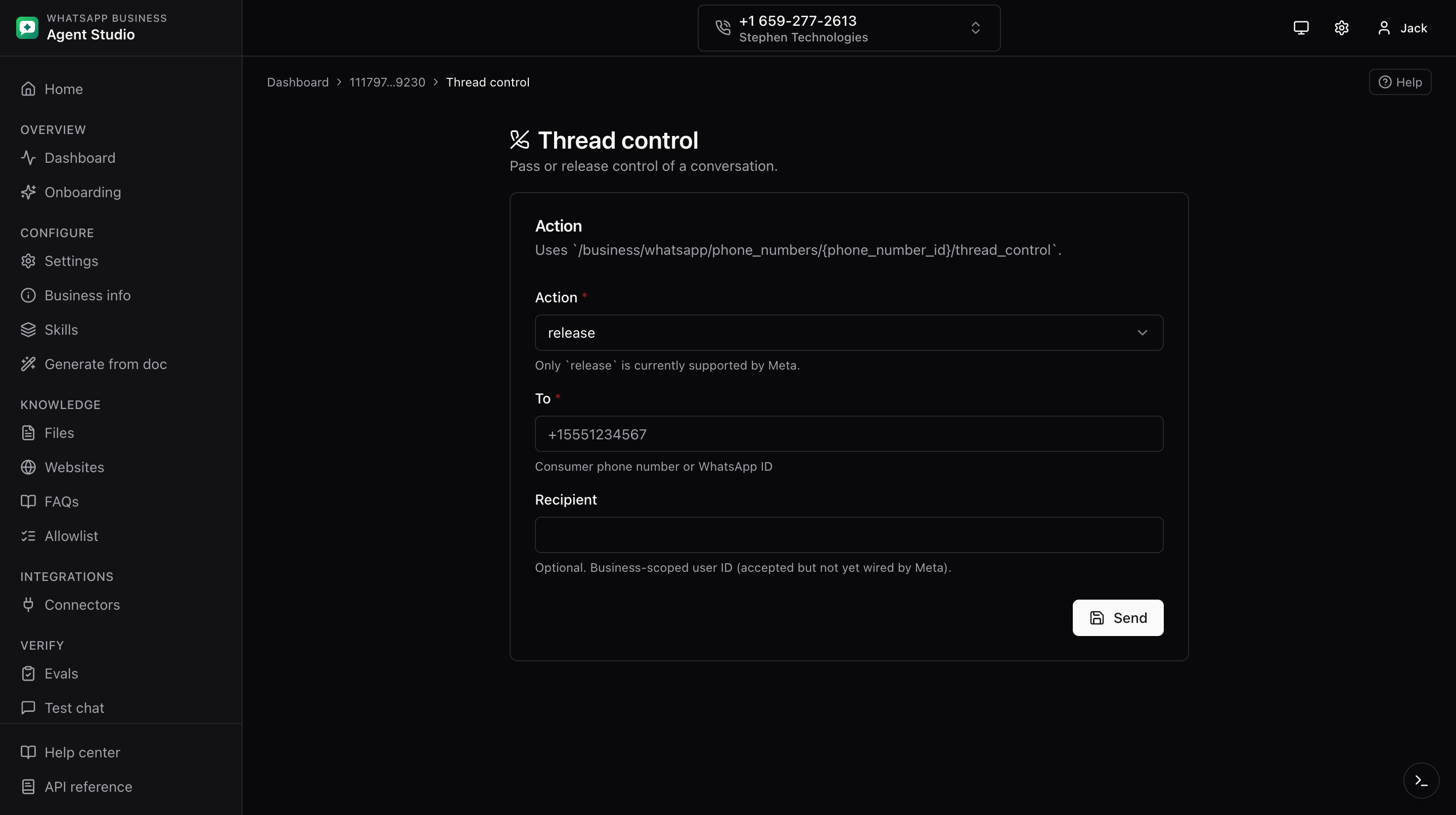
Release or pass thread control on the Cloud API for a specific consumer. Use this when a human agent needs to take over the conversation.
What you'll do
- Send a thread control request from the current phone number.
Step-by-step
- Open Thread control from the sidebar.
- Fill in the form:
- To, the consumer phone in E.164 format (required).
- Recipient, optional. Meta accepts this field but it is not yet wired into the app; leave it blank.
- Click Send.
- A success or error banner tells you whether Meta accepted the request.
Good to know
Thread control uses an older Cloud API contract than the rest of the app. If Meta ever asks about the API version being used, this endpoint is intentionally locked to Cloud API v1 semantics.
Troubleshooting
- "To" value rejected, the number must be in E.164 format, including the leading
+and country code. - The recipient field seems to do nothing, that is expected. Meta accepts it but the app does not populate it yet.
- Meta returns an error mentioning the API version, this is a server-side wiring issue; report it.