Conversation turns
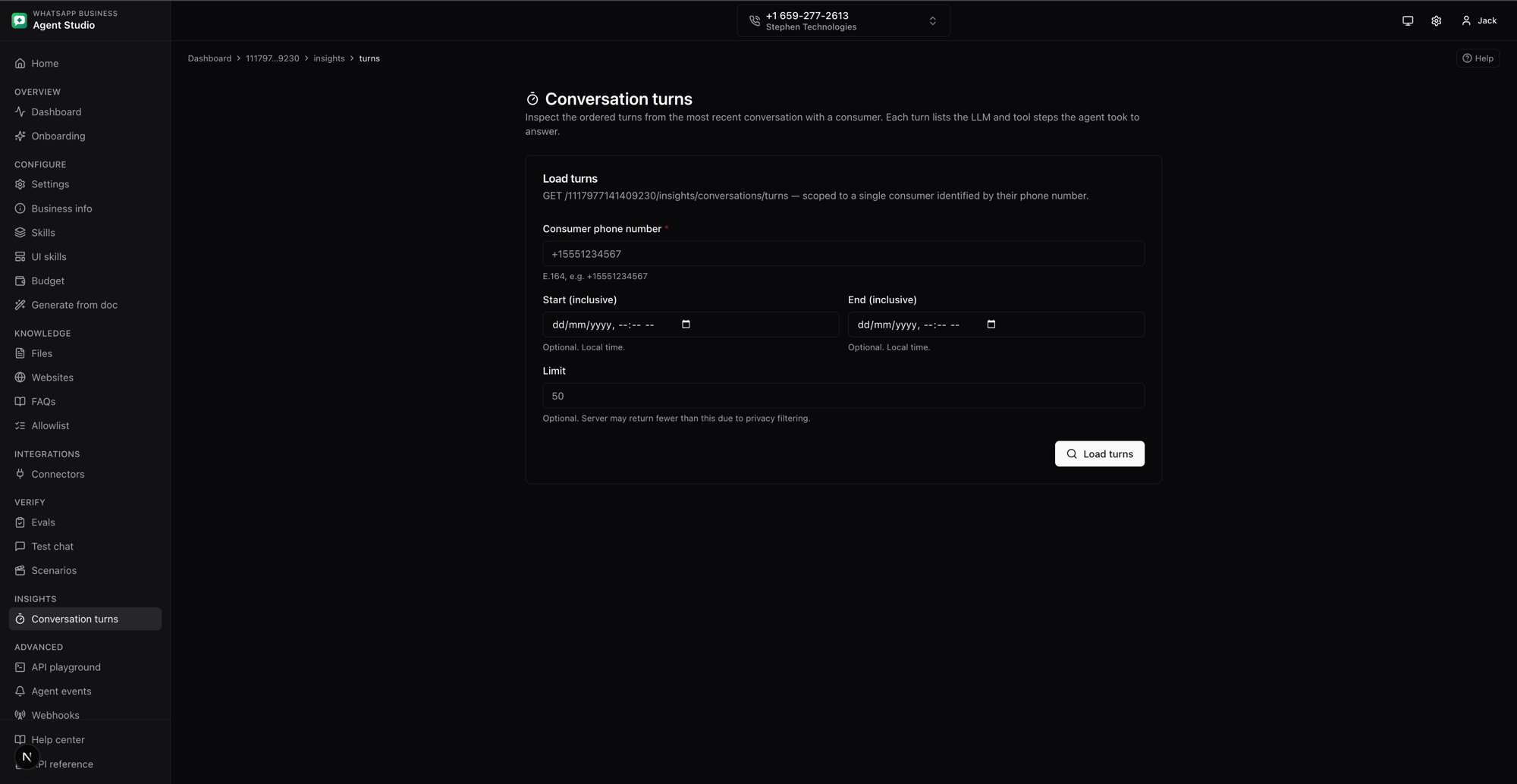
Inspect the ordered turns from the most recent conversation with a specific consumer. Each turn shows the LLM calls and tool calls the agent made to produce its reply, together with per-step latency and status.
Use this page to answer questions like:
- Why did the agent take five seconds to respond to a customer?
- Which tool call failed on the last turn, and what did it return?
- Which model calls fired for this consumer before the handoff?
What you'll do
- Load the most recent turns for a consumer, filtered by phone number.
- Narrow the window with a start and end time.
- Expand each turn to see the ordered steps, tool inputs and outputs, and model output previews.
Step-by-step
Load turns for a consumer
- Open Conversation turns from the sidebar under Insights.
- Enter the Consumer phone number in E.164 format, for example
+15551234567. - Optionally set a Start and End date and time to narrow the window. Both boundaries are inclusive.
- Optionally set a Limit to cap how many turns come back. The server may return fewer than this due to privacy filtering, so an empty next cursor is what tells you the list ended.
- Click Load turns.
Turns come back newest-first. Each row shows the turn ID, timestamp, end-to-end latency, and a count of LLM and tool steps.
Read a single turn
- Click a turn row to expand it.
- Each step is numbered and marked as either an LLM call or a tool call.
- Tool calls show the tool name, the input arguments the model chose, and the output the tool returned.
- LLM calls show a truncated preview of the model output.
- Each step carries a status badge,
SUCCESS,ERROR, orTIMEOUT, and a latency reading.
Use the copy button next to any block to pull the input or output text into a bug report or a Slack thread.
What the numbers mean
- End-to-end latency is the time from when the agent received the message that opened the turn to when it finished producing its response, including model and tool-call time when the platform captured it.
- Step latency is the time spent inside that individual LLM or tool call.
- Session is a stable identifier that groups turns from the same continuous conversation. Two turns with the same session ID were part of one back-and-forth.
Notes
- Rows can be omitted when the platform could not match a tool response to a tool call, or when a record was malformed. That is a data-quality signal from Meta, not a bug in the studio.
- The endpoint returns turns for the consumer's most recent conversation. Older conversations are not paged in by design.
- Fields like latency and status are only shown when the platform recorded them. A dash means "not reported".
Troubleshooting
- No turns returned, either the consumer has no active conversation in the selected window, or every record was removed by privacy filtering. Try widening the date range or clearing it.
Bad Requeston load, confirm the phone number is E.164 (starts with+and a country code, no spaces or dashes).Forbiddenon load, your access token needs read access to insights for this WABA. Rotate a token withwhatsapp_business_managementon the WABA the phone belongs to.