Business info
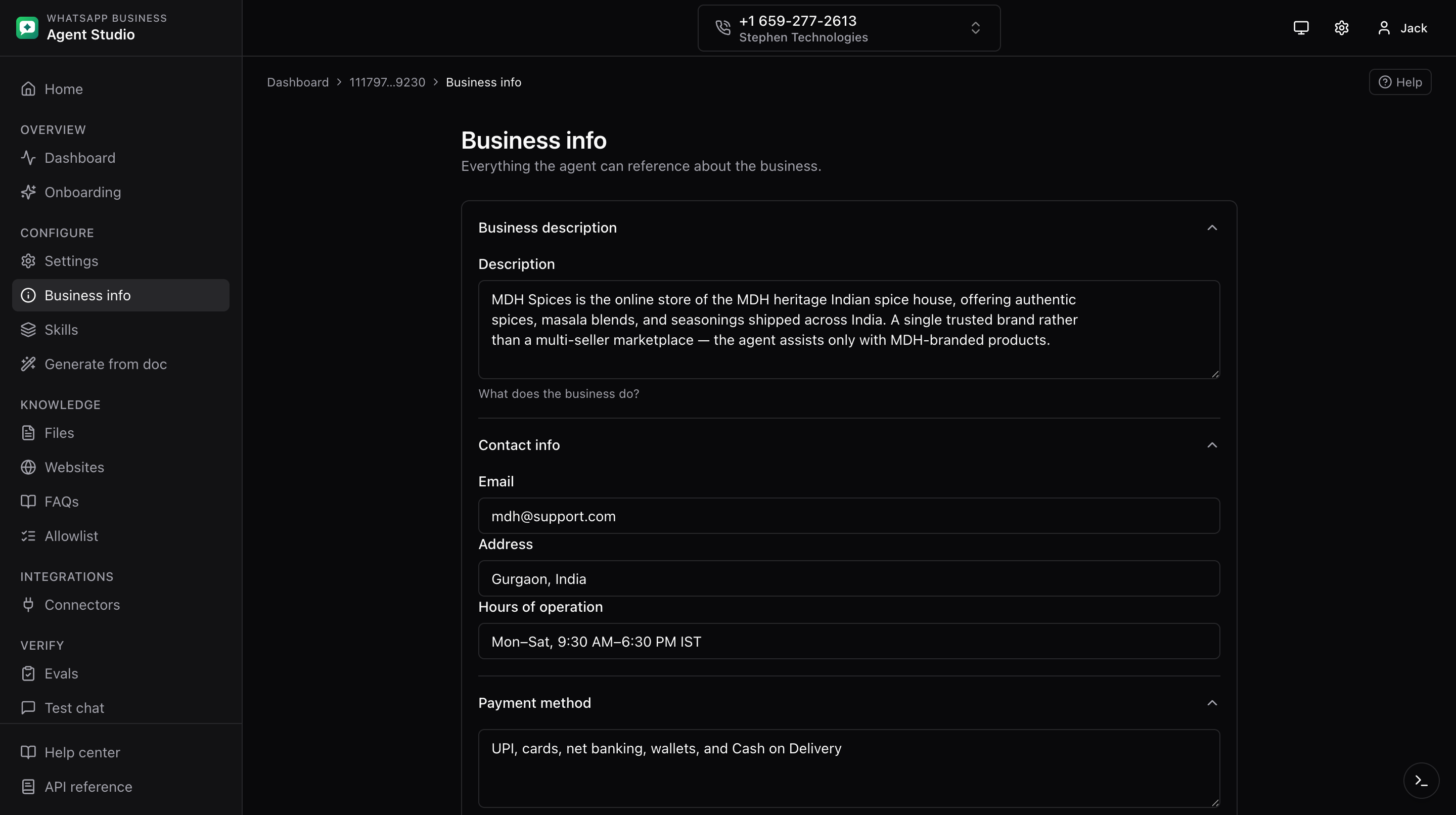
The Business info page collects the business-facing metadata your agent uses in its answers: description, contact email, and policy fields.
What you'll do
- Fill in your business description, contact email, and policy fields.
- Save the values so the agent can reference them in responses.
Step-by-step
- Open Business info from the sidebar.
- Wait for the form to load. You will see a brief loading state, then the fields populate with any existing values.
- Fill in the fields:
- Description, a short paragraph the agent uses when introducing your business.
- Email, the contact address surfaced to consumers.
- Return policy, plain-text description of returns.
- Other policy fields (payment, purchase, delivery) as available.
- Click Save.
Good to know
The onboarding checklist counts Business info as filled when any of description, email, or return policy is set. You do not need to fill every field to check that box off.
Troubleshooting
- The form flashes empty and then populates, this should not happen. Refresh the page; if you still see it, the initial fetch was slower than usual.
- Save button stays disabled, the form does not detect any change. Edit at least one field.
- Values save but disappear on refresh, check the dev drawer for the response of the save request.