Agent settings
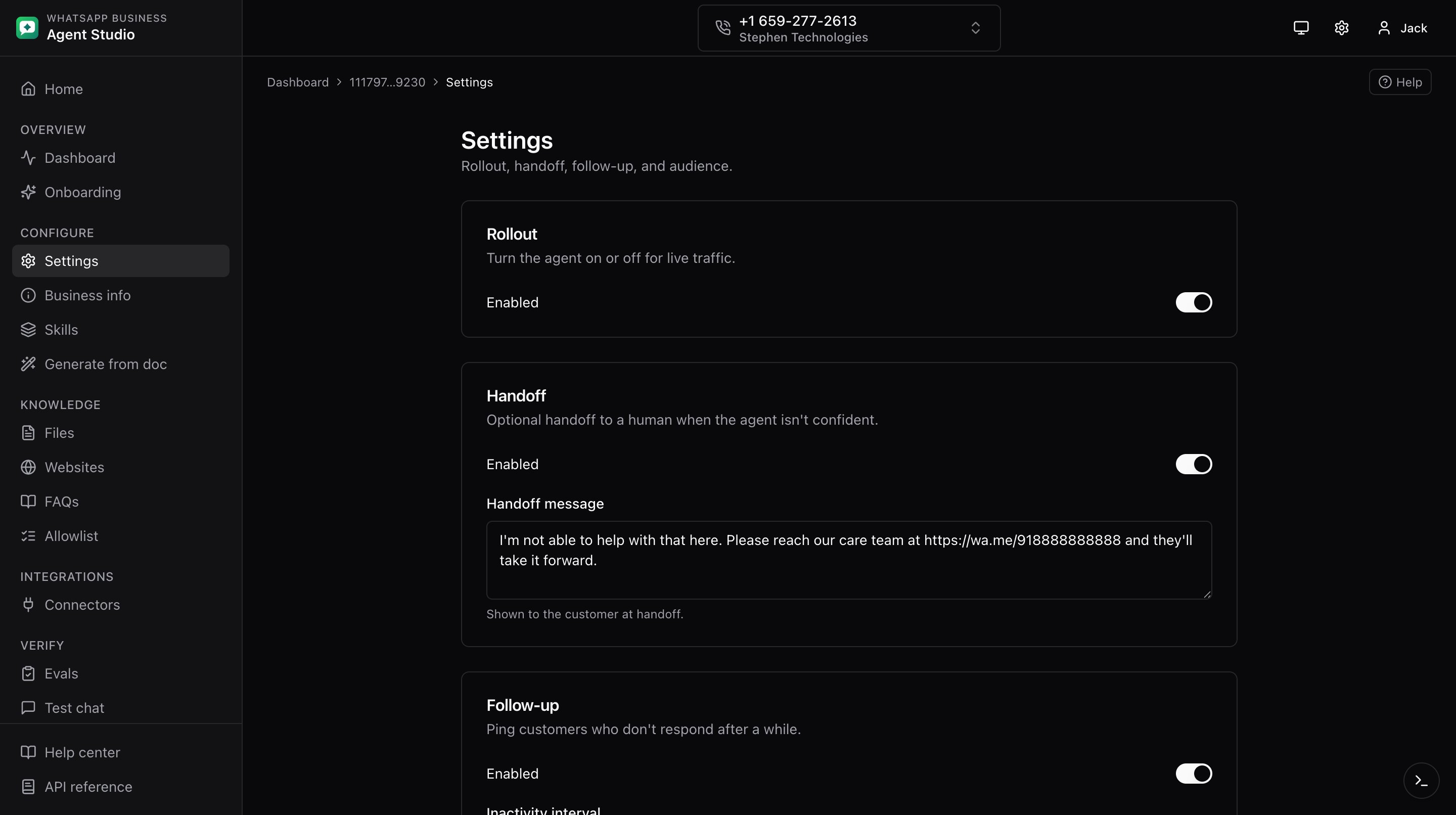
The Settings page groups the four cards that control agent behavior: Rollout, Handoff, Follow-up, and AI audience.
What you'll do
- Enable or disable the agent on this phone.
- Configure human handoff behavior.
- Set how the agent follows up after a conversation.
- Restrict AI responses to an allowlist when needed.
Step-by-step
- Open Settings from the sidebar.
- Edit the Rollout card:
- Toggle Enabled on to activate the agent for real traffic.
- Click Save.
- Edit the Handoff card:
- Configure the thresholds that trigger a hand-off to a human.
- Click Save.
- Edit the Follow-up card:
- Set the follow-up interval.
- Click Save.
- Edit the AI audience card:
- Choose one of the two options:
- Everyone, the agent responds to any consumer message.
- Allowlisted only, the agent only responds to consumers whose phone numbers are on the allowlist.
- If you pick Allowlisted only, make sure the allowlist has at least one entry.
- Click Save.
- Choose one of the two options:
Good to know
Each card has its own Save button. Changing values in one card and saving another has no effect; save the card you edited.
Troubleshooting
- Save button is greyed out, the form does not see any changes. Modify a field, or leave the page and come back if state seems stuck.
- The rollout toggle appears off after saving, refresh the page. If it still shows off, check the dev drawer for the failed request.
- AI audience value is rejected, only Everyone and Allowlisted only are valid choices; make sure you picked one of them.