API playground
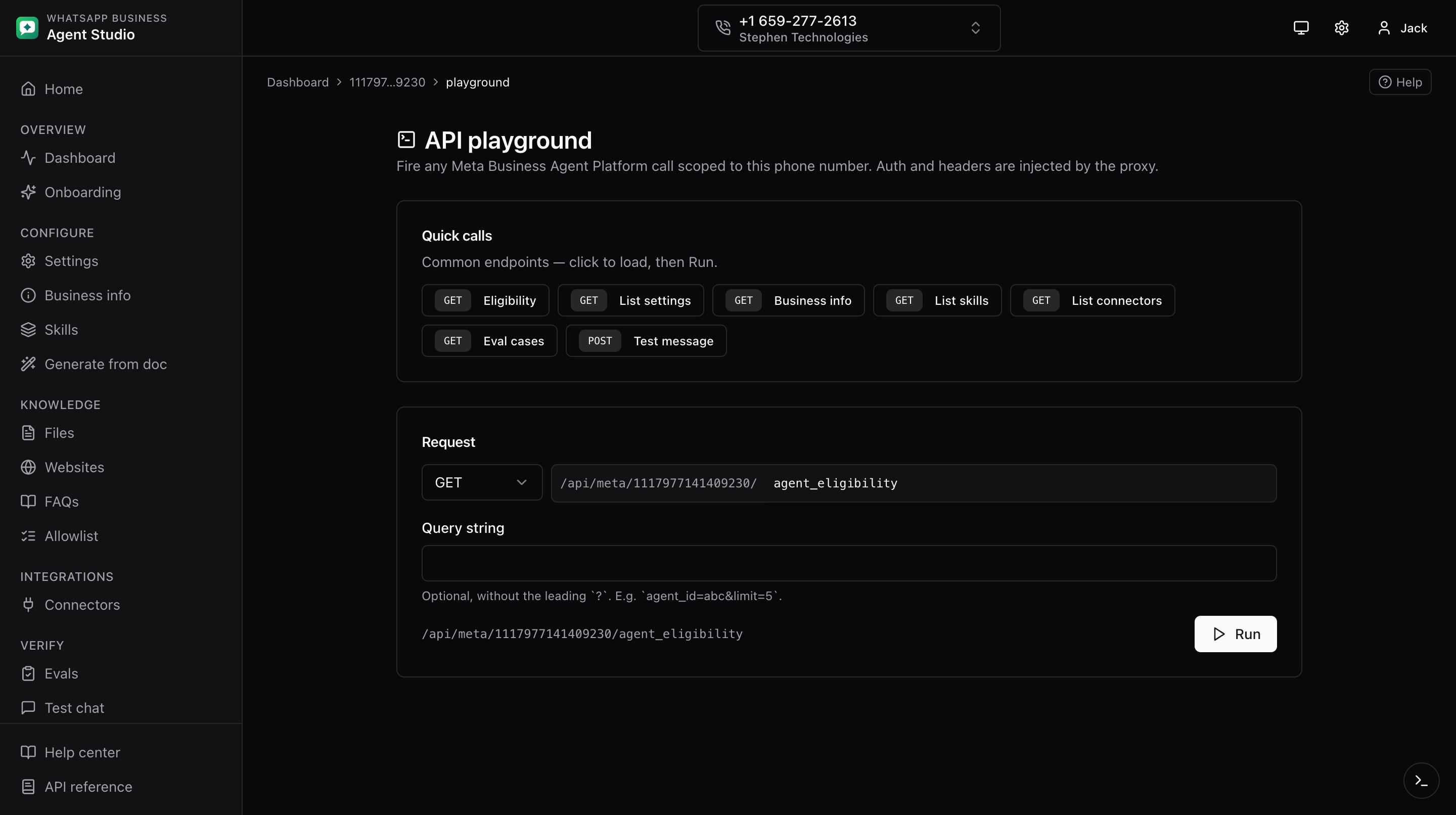
The Playground page is a free-form request builder scoped to the current phone. Useful for testing endpoints that do not yet have a dedicated UI.
What you'll do
- Build an arbitrary Meta Agent Platform request.
- Prefill common calls from the Quick calls row.
- Inspect responses in pretty and raw modes.
- Copy any call as cURL from the dev drawer.
Step-by-step
- Open Playground from the sidebar (under Advanced).
- Fill in:
- Method, one of GET, POST, PUT, PATCH, DELETE.
- Path, the endpoint to call. The app automatically prefixes the current phone context; you enter just the relative part.
- Query, optional query string.
- Body, JSON.
- Optionally click a Quick call button at the top to prefill the form. Presets include:
- Eligibility
- List settings
- Business info
- List skills
- List connectors
- Eval cases
- Test message
- Click Send.
- The response viewer offers two tabs:
- JSON, pretty-printed with collapse and expand.
- Raw text.
- A status code and a duration badge accompany the response.
Copy as cURL
Every playground call is also recorded in the dev drawer. Open the drawer with Cmd/Ctrl+Shift+D and click Copy as cURL on the entry to get a runnable command you can paste into a terminal.
Troubleshooting
- Path double-prefixed with the phone context, do not include the phone id in the path yourself. The app adds it.
- Body ignored on a GET request, HTTP does not carry a body on GET reliably. Use query parameters instead.
- Write requests blocked, Read-only mode is on. Turn it off from the account menu.