Theming and dark mode
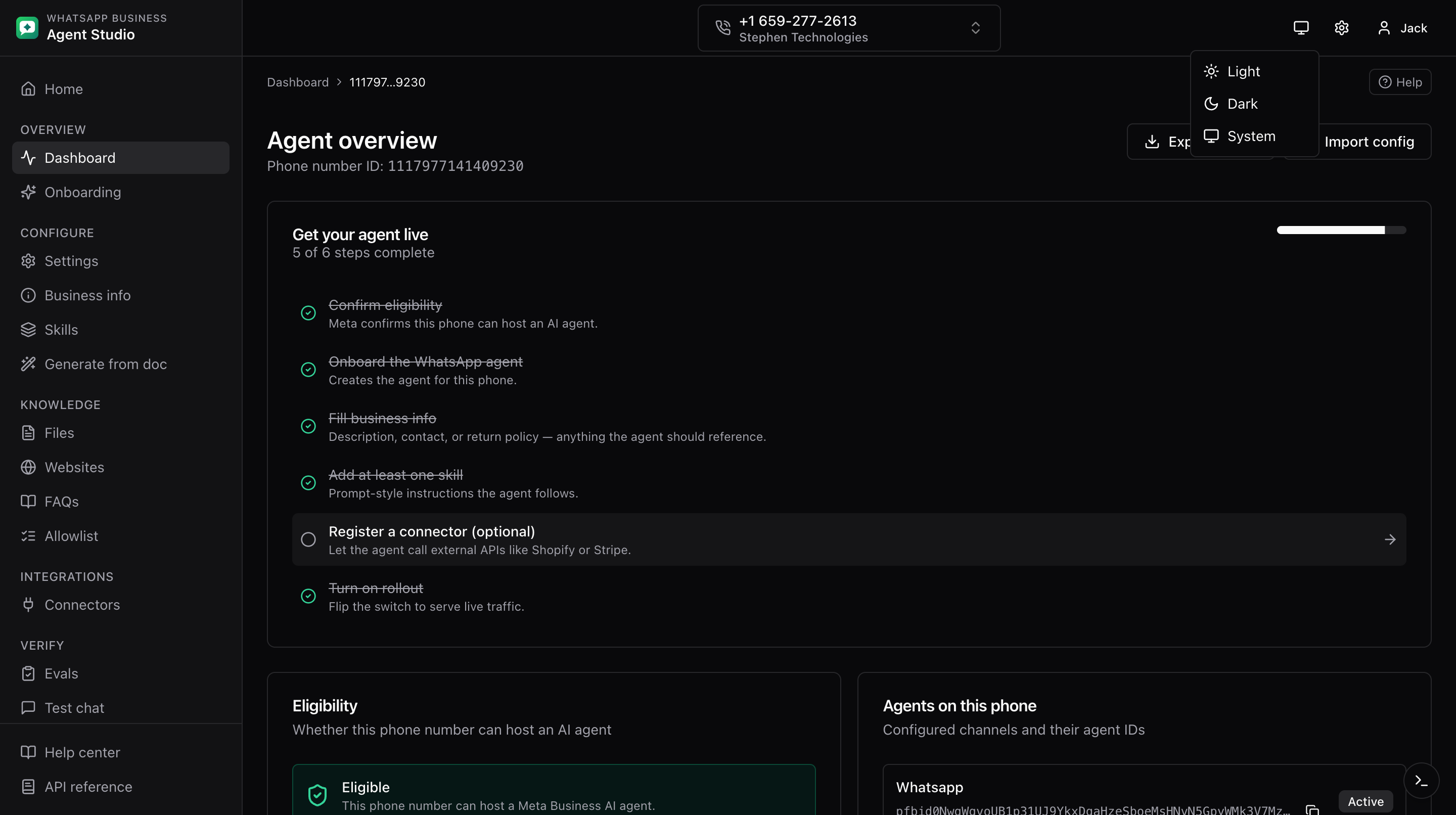
The app supports Light, Dark, and System themes. Your preference is remembered per browser.
What you'll do
- Toggle the theme.
- Understand where the toggle lives.
Where to toggle
The theme toggle sits in the top-right corner of:
- Every dashboard page.
- The home page.
- The login page.
Click it and pick Light, Dark, or System. System follows your OS preference and switches automatically when you flip your OS theme.
Good to know
- The API reference viewer (see API reference viewer) automatically follows your chosen theme.
- Colors are chosen from a semantic palette so contrast stays readable in both modes.
Troubleshooting
- Some text looks unreadable in dark mode, refresh the page. If it persists on a specific screen, report the issue.
- The theme flickers on load, this is a brief hydration effect. Refresh once and it usually goes away.
- The API reference stays dark in light mode, refresh the page. The theme sync usually fires automatically but may miss the initial load.