Knowledge, allowlist
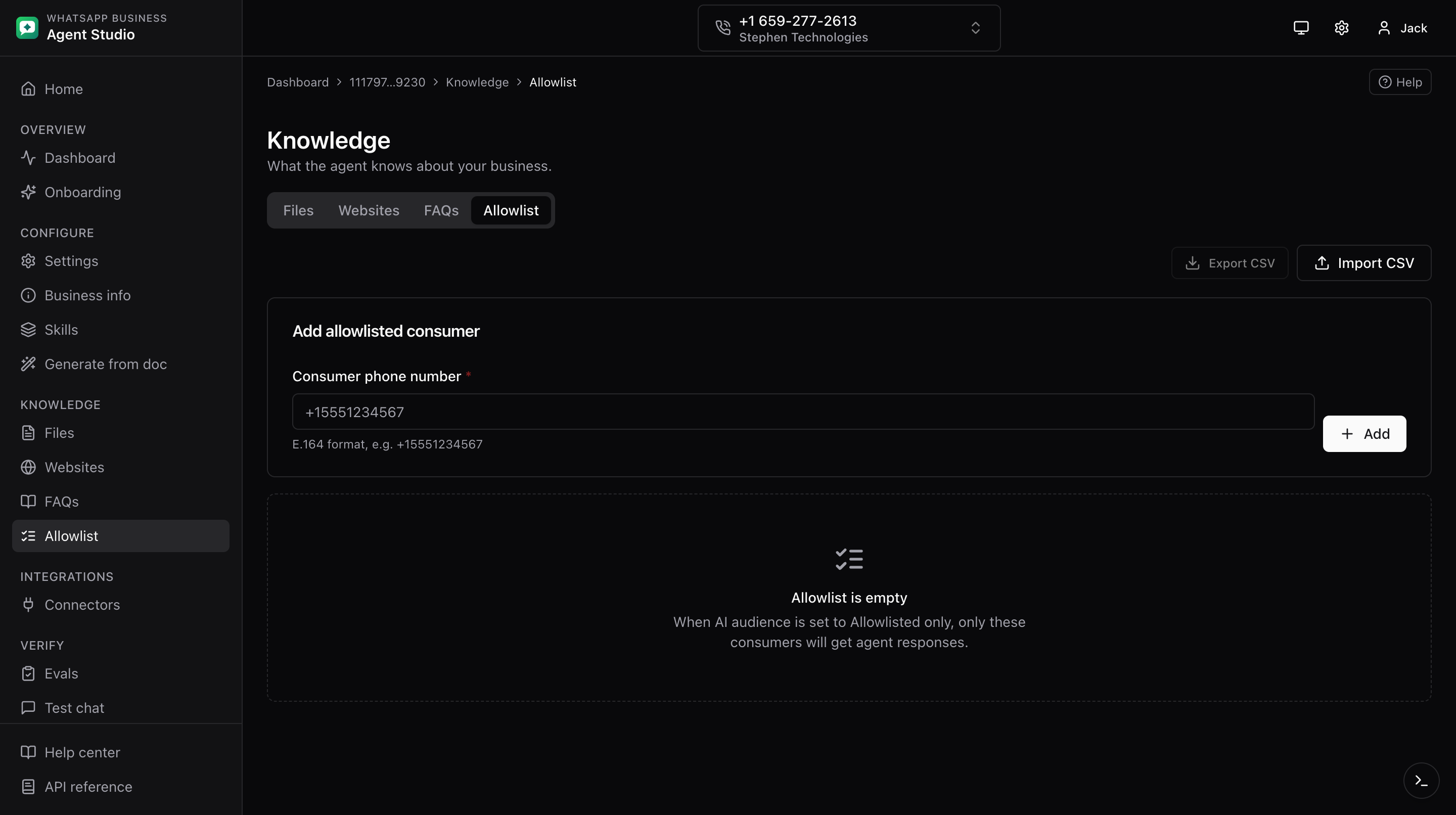
The Allowlist tab under Knowledge manages the list of consumer phone numbers the agent will respond to when AI audience is restricted.
What you'll do
- Add and remove consumer phone numbers in E.164 format.
- Bulk-import and export the allowlist via CSV.
- Understand how the allowlist interacts with the AI audience setting.
Step-by-step
- Open Knowledge, then the Allowlist tab.
- Click Add entry. Enter a consumer phone number in E.164 format, for example
+14155550123. - Click Save.
- To remove an entry, click Delete on its row.
Import and export
- Click Import CSV in the header, upload, preview, and confirm.
- Click Export CSV to download the current list.
Interaction with AI audience
- When AI audience on the Settings page is Everyone, the allowlist is not consulted.
- When AI audience is Allowlisted only, only consumers whose phone number matches an entry receive agent responses. Consumers not on the list get no reply from the agent.
Good to know
Phone numbers must include the leading + and country code. 4155550123 will be rejected; +14155550123 will be accepted.
Troubleshooting
- A consumer is not receiving replies, confirm that AI audience is Allowlisted only and that the consumer's exact number (including the leading
+) is present. A missing+or country code silently fails the match. - Import rejects a row, the phone number is not in E.164 format. Fix the row in the source CSV.