Evals
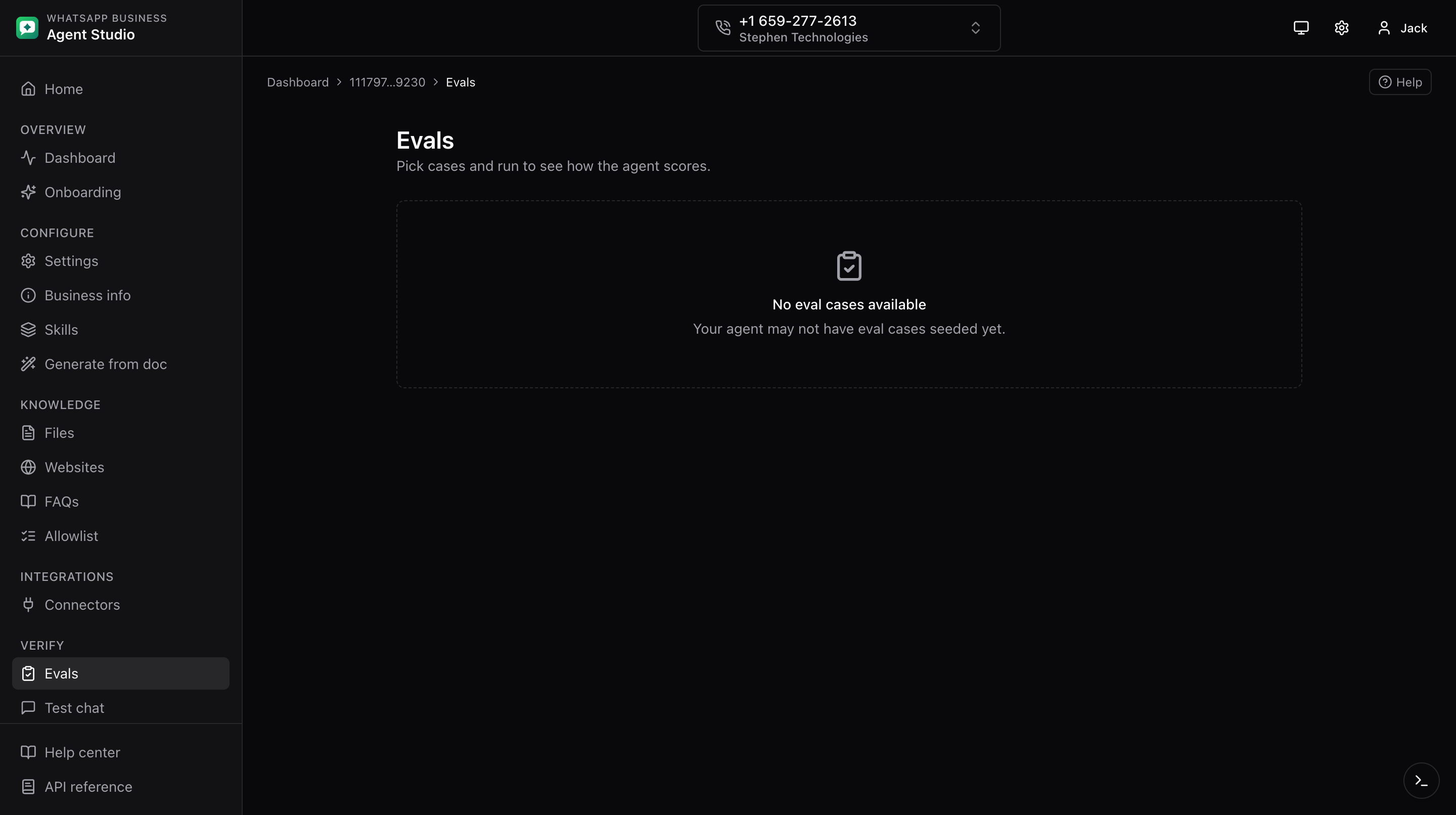
Run Meta's pre-seeded eval cases against your agent, then inspect per-case transcripts and summaries.
What you'll do
- Browse eval cases grouped by category.
- Select cases and start a run.
- Watch a running job and view details plus summary when it finishes.
Step-by-step
- Open Evals from the sidebar. The page lists eval cases grouped by category.
- Tick a checkbox on each case you want to include.
- Click Run. A run is created and you are routed to its run page.
- The run page auto-refreshes every few seconds while status is pending or running.
- Once complete, the page shows a details section with per-case transcripts and scores, plus a summary with aggregate counts.
Good to know
- Evals can take several minutes depending on how many cases you selected. Leave the page open, or come back to it later.
- Each case has a category (like
OnboardingorSupport). Grouping by first category makes it easier to focus on a slice of your coverage.
Troubleshooting
- Job never leaves "running", Meta may be slow. Give it several minutes. If it still hangs, note the job id and report the issue.
- Details empty after run completes, some cases may have been skipped. Check the summary for the aggregate counts.
- The list has no cases, confirm the agent is onboarded on this phone. See Onboarding your first agent.