Knowledge, websites
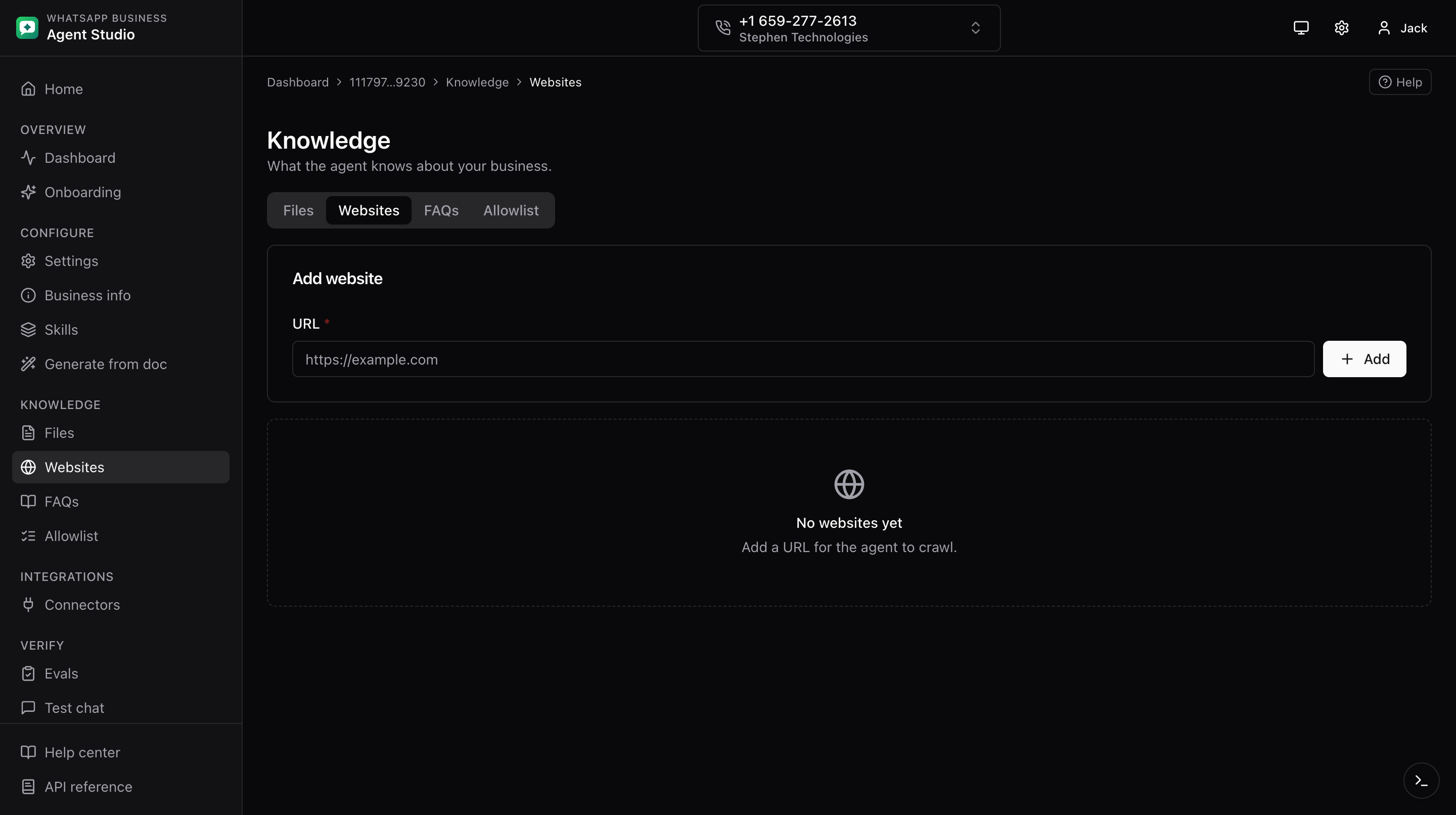
The Websites tab under Knowledge lets you register URLs the agent will crawl for knowledge.
What you'll do
- Add, edit, and remove website URLs.
- Bulk-import a CSV of URLs and export the current list.
Step-by-step
Add, edit, or remove
- Open Knowledge, then the Websites tab.
- Click Add website. Enter the URL (must start with
https://). - Click Save.
- To edit, click a row. The row expands with an inline form. Update and Save.
- To remove, click Delete on the row and confirm.
Import CSV
- Click Import CSV in the header.
- Upload your CSV. The preview flags invalid rows with reasons.
- Fix any invalid rows in the source file and re-upload, or confirm to import the valid ones.
Export CSV
- Click Export CSV in the header to download the current URL list.
Good to know
Meta's crawler runs on its own schedule. The app does not expose a "recrawl now" button; expect a delay between adding a URL and the content becoming available to the agent.
Troubleshooting
- Invalid URL error in the CSV preview, ensure each row has a fully qualified URL starting with
https://. - New URLs are not reflected in agent responses yet, give Meta time to crawl. If it does not happen after a few hours, verify the URL is publicly reachable.