Agent events
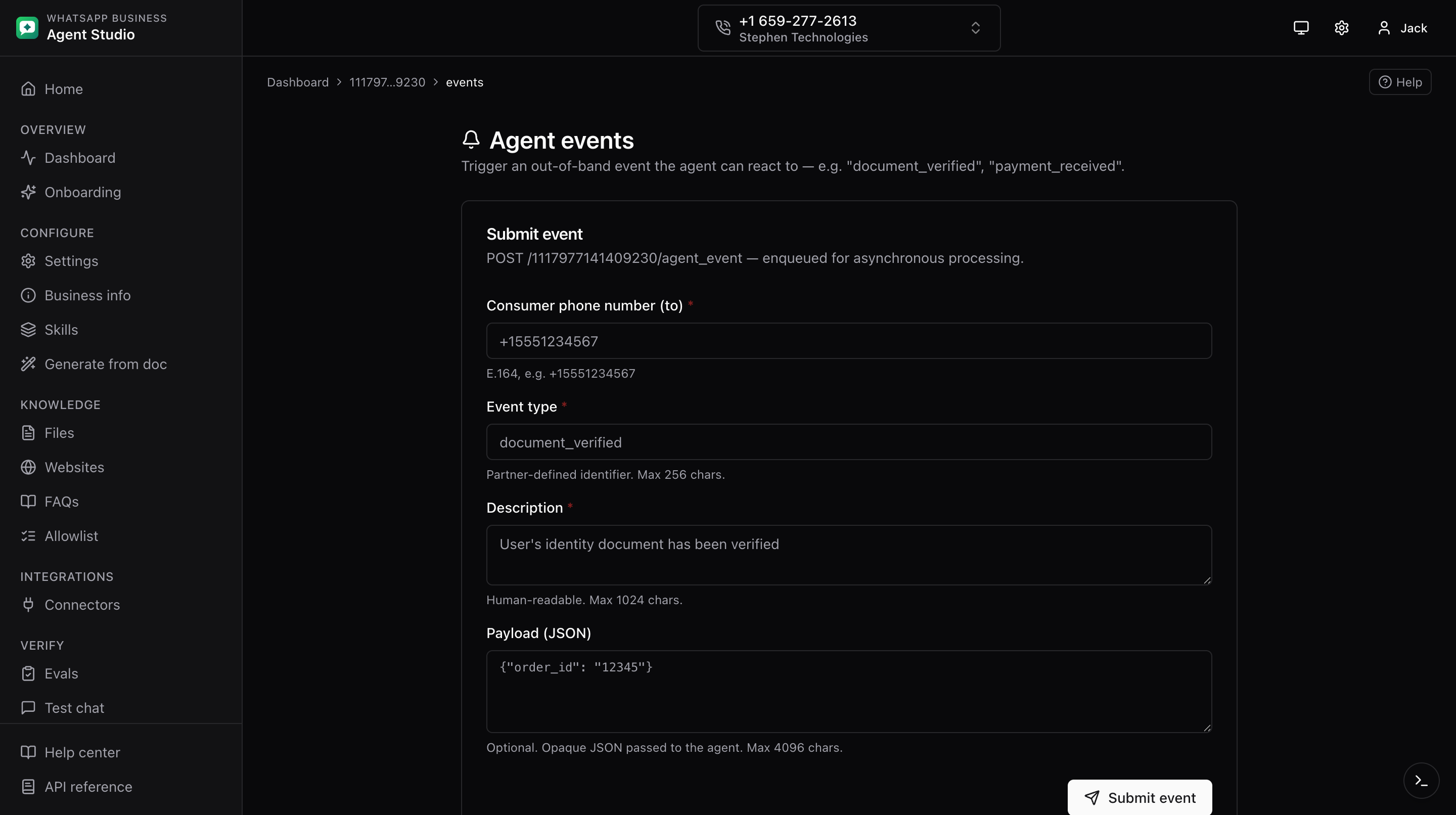
Trigger partner-defined events (like document_verified or payment_received) and watch their status update in place.
What you'll do
- Send an agent event to a specific consumer.
- Track the event's status locally with automatic polling.
Step-by-step
- Open Agent events from the sidebar.
- Fill in the form:
- To, the consumer phone in E.164 format (for example
+14155550123). - Event type, the event name your integration defines.
- Description, optional human description.
- Payload, a JSON string. Must be valid JSON if provided. Malformed JSON blocks the send.
- To, the consumer phone in E.164 format (for example
- Click Send.
- On success, a new row appears in the history list on the page.
- Each row polls its own status automatically every few seconds while the event is still in flight. Terminal statuses are sent, success, failed, or skipped; polling stops on any of these.
Where the history lives
The history you see on this page is stored in your browser. Meta does not expose a "list past events" API, so the client-side list is the only history surface. Clearing browser storage will lose it.
Troubleshooting
- Payload rejected on submit, the JSON is not well-formed. Fix it and try again.
- Status stuck on "processing" for a long time, Meta is still handling the event. The row will update on the next poll.
- History lost after clearing browser storage, there is no server-side history. Keep a note of event ids you need to remember.