Security
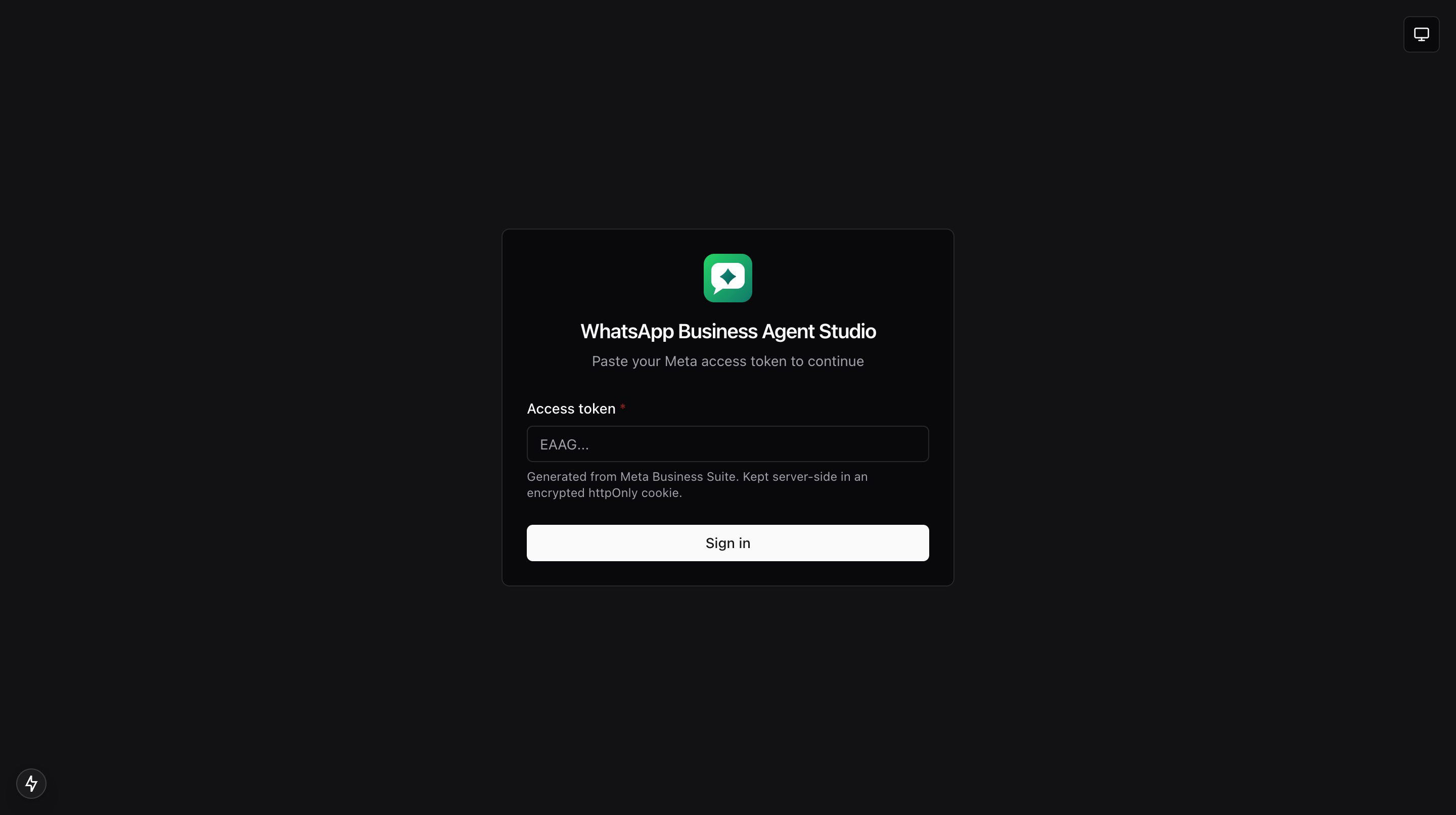
Summary of how the app keeps your access token private, how sessions work, and how webhook signatures are verified.
Access token handling
- Your Meta access token is stored on the server, inside an encrypted session. It is never sent to your browser.
- Every Meta API call is made from the server, injecting the token behind the scenes.
- Because of that, browser dev tools, screen shares, and clipboard slips cannot leak the token.
Session lifecycle
- Sign in, you paste the token on the login screen. The app verifies it with Meta before creating a session.
- Session read, whenever the app needs to know who you are, it reads the safe subset of your session (never the token itself).
- Sign out, choose Sign out from the account menu. Your session is cleared and you return to the login screen.
- Default TTL, 8 hours. Configurable with
WABIZ_SESSION_TTL_SECONDS. - Cross-origin writes,
PATCHandDELETE /api/sessionreject requests whoseOriginheader does not match the requestHost. Behind a reverse proxy, setWABIZ_PUBLIC_HOSTto the externally visible host so the check compares to the right value. - If Meta rejects a request as unauthenticated, the app bounces you back to the login screen automatically.
Session secret
SESSION_SECRETmust be at least 48 characters. Generate one withopenssl rand -hex 32(which produces 64 hex chars).- Rotating the secret invalidates every existing session; users will need to sign in again.
Webhook signature verification
- When Meta POSTs a webhook to the app, the app computes an HMAC-SHA256 of the request body using the configured app secret and compares it to the signature Meta sent.
- Each entry in the Webhooks page is tagged as signed or unverified based on that check.
- In development, if the app secret is not configured, entries are still accepted but shown as unverified.
- In production, if
META_APP_SECRETis not set the receiver refuses the POST with a 500 and does not buffer the event. This prevents an unauthenticated caller from filling the in-memory ring buffer with forged webhooks. - Request bodies larger than 1 MB are rejected with a 413 before the body is read. Meta's real events are a few KB.
- Only a small allowlist of request headers is preserved on the stored event:
x-hub-signature-256,x-hub-signature,user-agent,content-type,x-request-id. Every other header is dropped.
Verification handshake
When you first configure a webhook in Meta Business Suite, Meta sends a GET request with a verify token. The app compares it to the verify token you set on the server and echoes back Meta's challenge to complete the handshake.
Read-only mode
- Toggle Read-only mode in the account menu to block every write action from the current browser. See Read-only mode.
- Read-only is a client-side safeguard, not a compliance control. Anyone with access to the account menu can turn it off.
Copy as cURL and the session cookie
The Copy as cURL button in the dev drawer intentionally omits several headers from the copied command so an accidental paste cannot leak credentials or signatures:
cookie(the session)authorizationx-api-keyx-hub-signature-256,x-hub-signature(HMAC over the specific body, meaningless once you rerun)x-real-ip
If you need to reproduce a call outside the app, use your own access token directly against the Meta API. See Dev drawer.
AI endpoint SSRF guard
The AI provider settings accept an arbitrary base URL, which the server calls on your behalf. To prevent that from being turned into a probe of internal infrastructure, the server:
- Resolves the host via DNS and rejects any address in loopback,
10.0.0.0/8,172.16.0.0/12,192.168.0.0/16,169.254.0.0/16, IPv6 link-local, IPv6 unique-local, or cloud metadata hostnames likemetadata.google.internal. - Requires
https://in production. Development builds still allowhttp://so local providers like Ollama and LM Studio keep working. - Does not echo the upstream response body if the upstream returns a non-2xx status. Only the status code is surfaced.
Deployment secrets
- Do not upload
.env.localto your deploy target. Set secrets via your deployment provider's dashboard. - Rotate the session secret if you ever suspect it has leaked; existing sessions will all be invalidated when you do.
Related docs
- Deployment, how to configure secrets on your deploy target.
- Prerequisites, the list of env vars.